 Orbit
Orbit 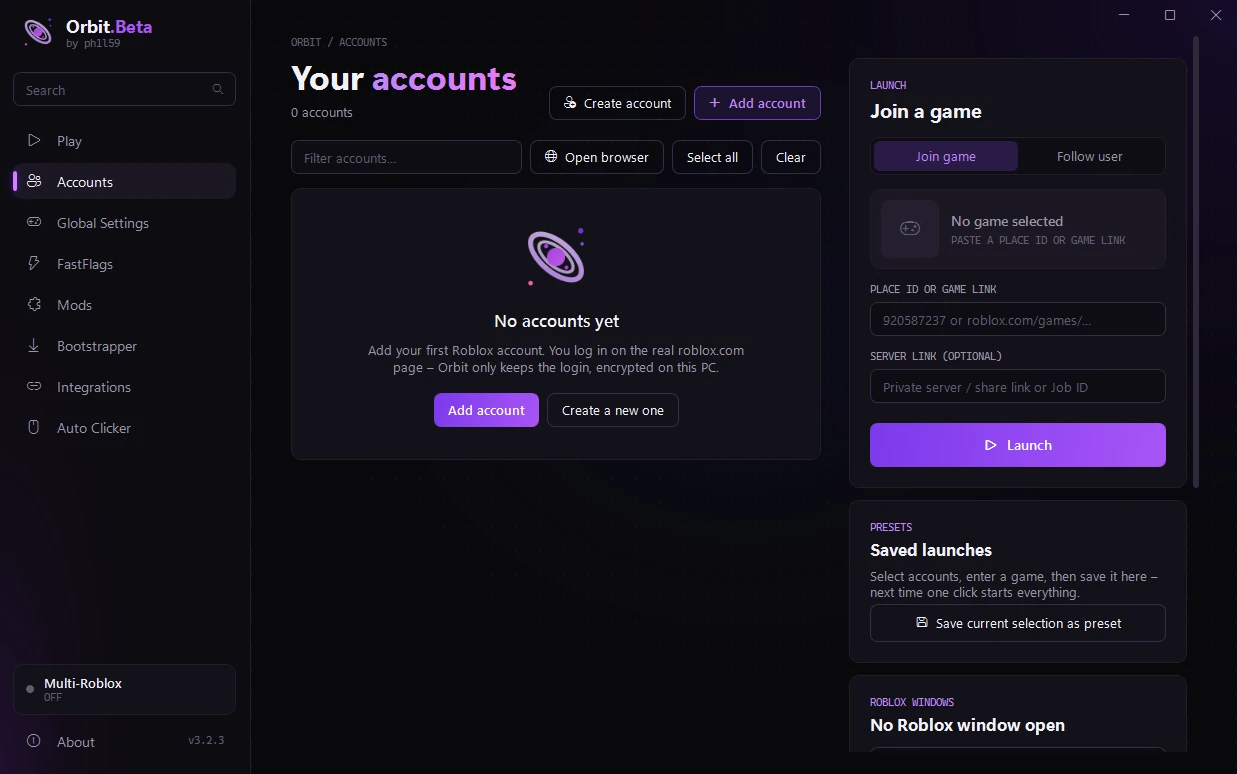
Safe logins
Log in on the real roblox.com page. Orbit only keeps the login, encrypted with Windows on your PC.
Run every account at once, see your friends live, and tune FPS and graphics – Orbit puts it all in one clean app.
For Windows 10 & 11 · No sign-up · Your logins stay on your PC
From managing a dozen accounts to squeezing out more FPS – Orbit handles it.
Log in on the real roblox.com page. Orbit only keeps the login, encrypted with Windows on your PC.
Save accounts and a game as a named preset – next time, one click starts everything.
See every account's Robux at a glance, and know right away when a login has expired.
Launch several accounts in a row and keep them all open. Each window shows the account's name in the taskbar.
One click shrinks every Roblox window and stacks them in the middle of your screen – another click puts them back.
Windows in the background get less CPU, the one you're playing in stays fast. Orbit shows you that it's working.
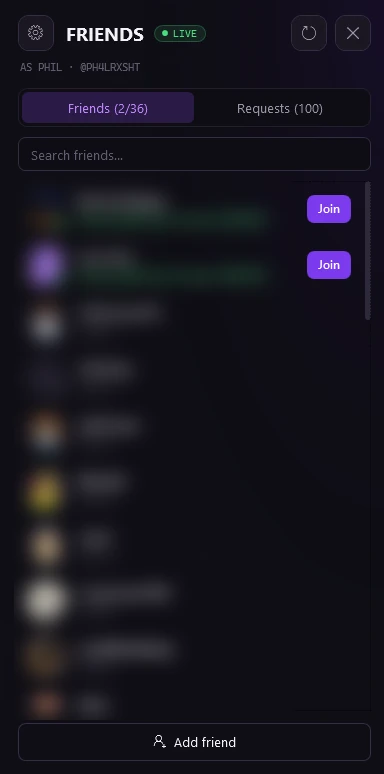
Orbit keeps a live connection to Roblox, so you know the second a friend comes online or starts playing.
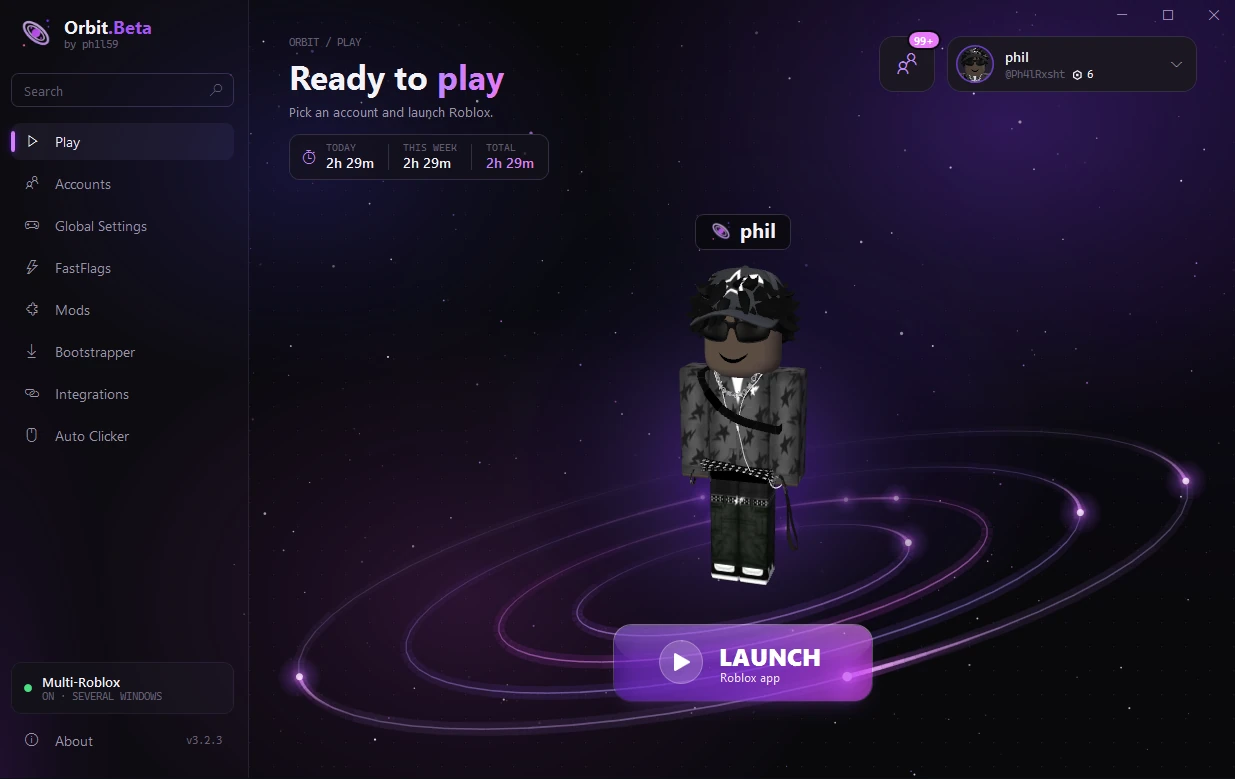
The start page shows your account in 3D – turn it with your mouse – with an animated orbit around it. One button opens Roblox.
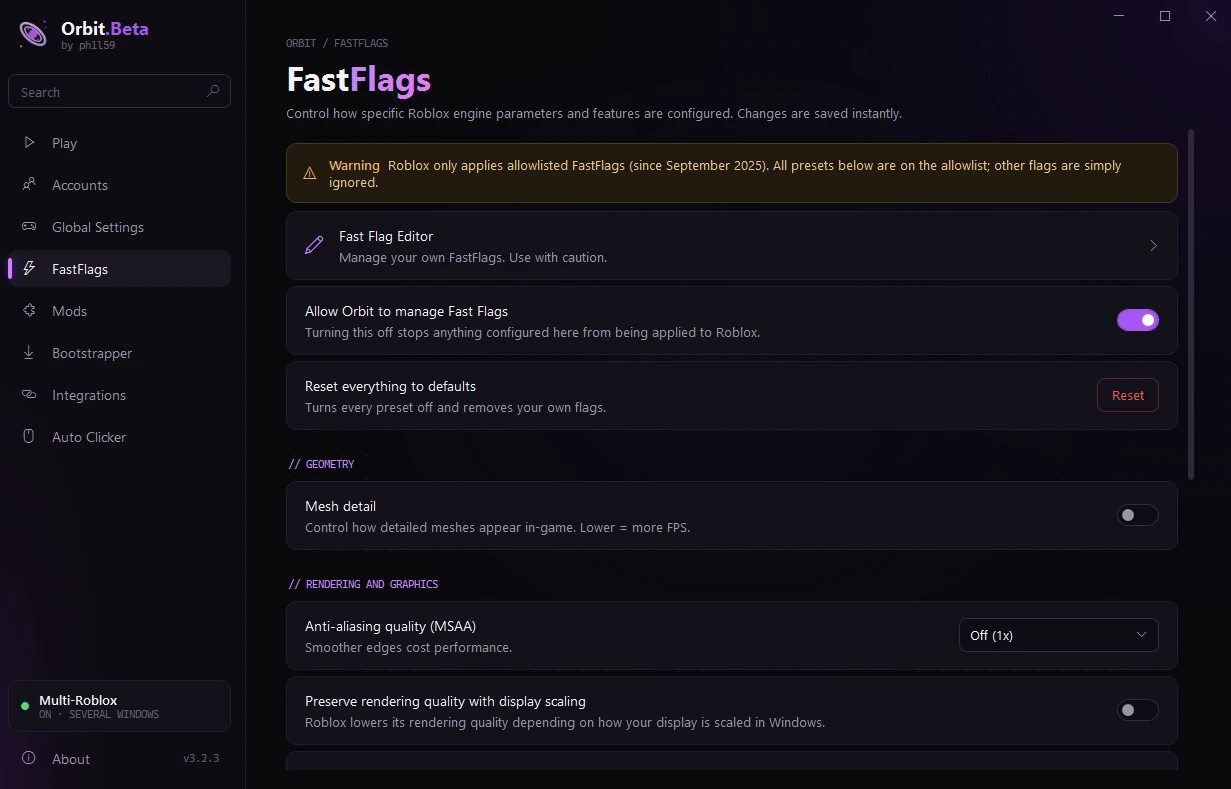
Presets for mesh detail, anti-aliasing, textures and rendering mode, plus a full editor with import and export.
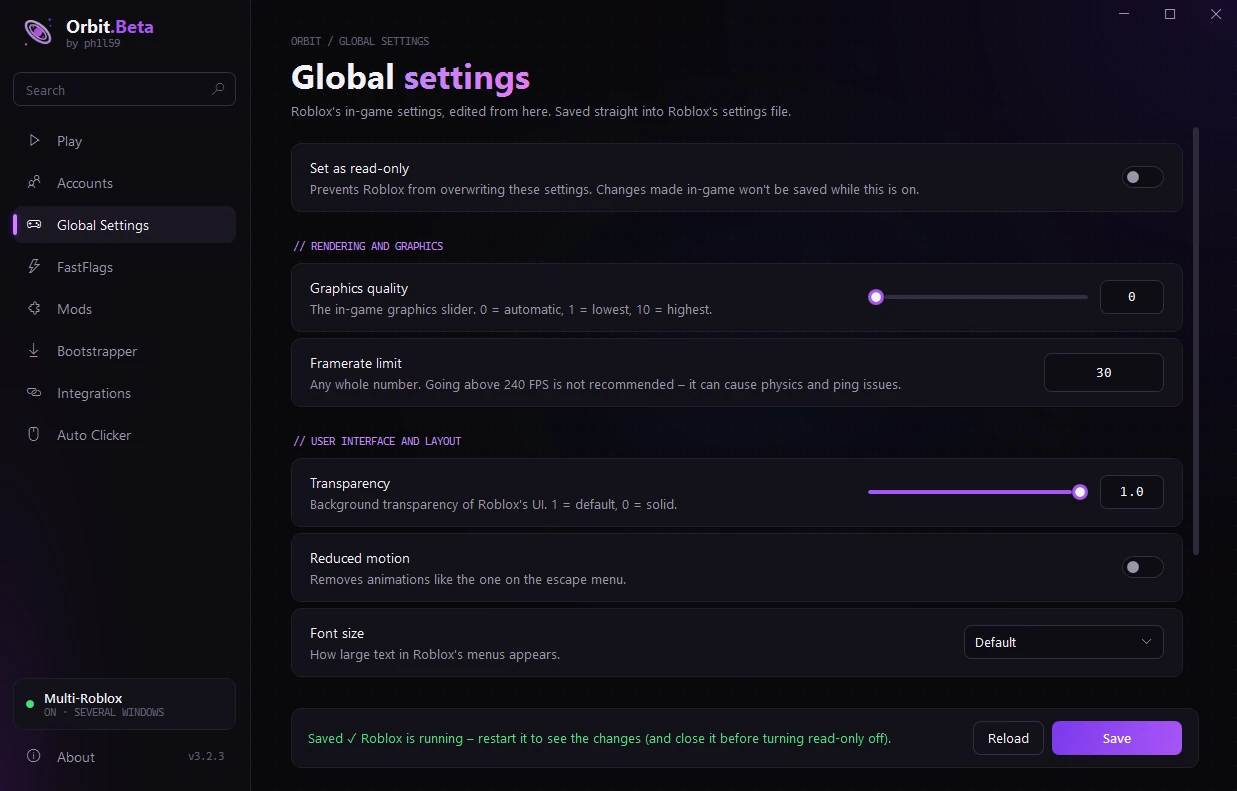
Graphics quality, FPS limit, sensitivity and more – edited from Orbit and locked so Roblox doesn't reset them.
Your own cursor and font, and a mods folder that mirrors Roblox's files. Originals are backed up.
Shows the game you're playing on Discord – works out of the box, no setup.
A new version? Orbit tells you, downloads it, checks it and restarts – and shows you what's new.
Up to 100 clicks per second with a hotkey, click limit and a Roblox-only mode.
Yes – completely. No ads, no account, no paid features. Orbit is open source under the GPL-3.0 license, so anyone can read the code on GitHub.
Windows warns about programs that aren't signed with a paid certificate yet – that's all the message means. Orbit's whole code is public on GitHub, and every release is built automatically by GitHub from that code.
Click More info → Run anyway to start it. Only download Orbit from this website or the official GitHub page.
Only on your PC. You log in on the real roblox.com page, and Orbit keeps the login encrypted with Windows' own protection – it can only be read by your Windows user on your PC. Nothing is ever sent to us. Never share the file accounts.dat with anyone.
Orbit doesn't change or inject anything into the game. It starts Roblox the normal way, and settings and FastFlags only use what Roblox itself allows.
Some games have their own rules though, for example about auto clickers or playing with several accounts. Check the rules of the game you play – using those features is your own responsibility.
Turn on Multi-Roblox in Orbit, select your accounts on the Accounts page, paste a game link and press Launch. Orbit starts them one after another and keeps every window open.
You don't have to do anything. When a new version is out, a notice slides in – click Update Now and Orbit downloads, checks and restarts itself.
No. Orbit is an independent project by ph1l59 and is not affiliated with, endorsed by or associated with Roblox Corporation.